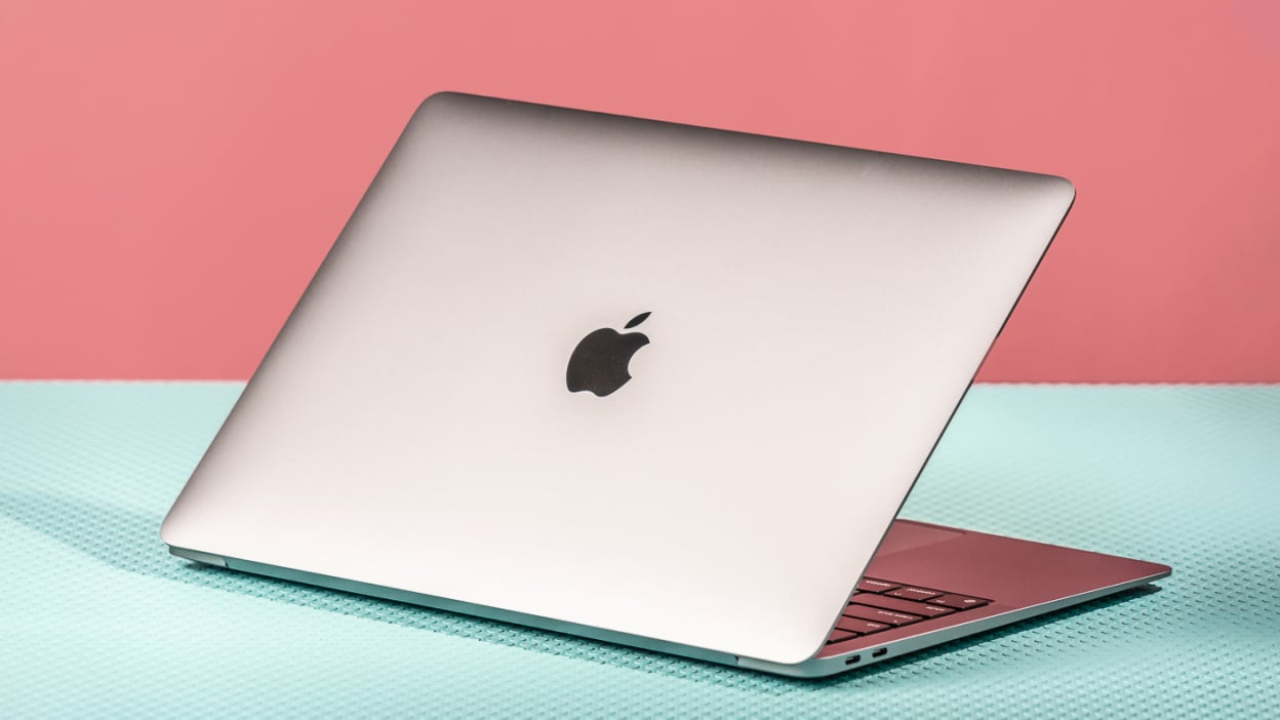
Choosing a new laptop used to be a simple battle of budgets. But in 2026, the lines between Apple and the PC world have blurred. With the arrival of the lightning-fast M5 MacBook Air, the budget-friendly MacBook Neo, and a new generation of AI-powered Windows laptops, making the right choice requires a closer look at your daily habits.
Are you a creative professional who lives in the Apple ecosystem, or a power user who needs the flexibility and gaming prowess of Windows 11? This guide breaks down everything you need to know about the MacBook vs Windows laptop debate to help you spend your money wisely.
1. Performance: The Battle of Silicon
The biggest shift in recent years is what’s under the hood. Apple has moved to its own “M-series” chips, while Windows manufacturers have embraced both traditional Intel/AMD chips and the new ARM-based Snapdragon processors.
The Apple Edge: Efficiency and Quiet Power
The latest M5 MacBook models are marvels of engineering. Because Apple designs both the hardware and the software, these laptops are incredibly efficient.
- The M5 Chip: Offers industry-leading single-core speeds, making everyday tasks like opening 50 browser tabs or editing 4K video feel instantaneous.
- Fanless Design: Most MacBook Air models have no fans. This means they are 100% silent, even when you’re pushing them hard.
- The MacBook Neo: A new entry in 2026, the Neo provides high-end performance at a lower price point ($599), making the Mac experience more accessible than ever.
The Windows Edge: Specialized Muscle
Windows laptops offer more variety in “muscle type.” If you need a laptop for high-end 3D rendering or professional gaming, Windows is still the undisputed king.
- Dedicated GPUs: Brands like ASUS, Dell, and Razer pack NVIDIA RTX graphics cards into their machines, which still outperform integrated Mac graphics for heavy gaming.
- AI Integration: 2026 is the year of the “Copilot+ PC.” Windows laptops now feature dedicated Neural Processing Units (NPUs) that handle AI tasks—like real-time translation and image generation—locally on your device.
2. Battery Life: Can Windows Finally Keep Up?
For years, MacBooks held a massive lead in battery life. In 2026, that gap is finally closing, thanks to the Snapdragon X series and Intel Lunar Lake chips.
| Feature | MacBook (M5/M4) | Windows (Snapdragon/Intel Ultra) |
| Typical Battery Life | 15–20 Hours | 12–25 Hours |
| Standby Time | Excellent (weeks) | Greatly improved |
| Performance on Battery | Same as when plugged in | Often throttled (except Snapdragon) |
While some Windows laptops, like the HP OmniBook 5, have clocked over 30 hours in video playback tests, the MacBook remains more consistent. A MacBook won’t “slow down” just because you unplugged it, whereas many Windows machines still lower their power to save juice.
3. Design and Build Quality
When you buy a laptop, you’re also buying a piece of industrial design.
MacBook: The Gold Standard
Apple’s aluminum unibody design is iconic. The trackpads are widely considered the best in the world, and the Liquid Retina displays offer stunning color accuracy. However, Apple is notoriously stingy with ports. You’ll likely need a dongle for HDMI or older USB-A accessories.
Windows: The King of Choice
Windows laptops come in every shape and size.
- 2-in-1 Convertibles: Models like the Lenovo Yoga or Microsoft Surface allow you to flip the screen and use it as a tablet with a stylus. Apple still refuses to put a touchscreen on a MacBook.
- OLED Displays: While MacBooks use high-end LED, many Windows laptops now feature OLED screens, which offer “true blacks” and vibrant colors that are often superior for movie watching.
- Ports Galore: Most Windows laptops still include HDMI, SD card slots, and multiple USB ports, saving you from “dongle hell.”
4. Software and Ecosystem: macOS vs Windows 11
The operating system is where you’ll spend 100% of your time.
- macOS Tahoe: It’s clean, intuitive, and secure. If you have an iPhone, the integration is magic. You can copy text on your phone and paste it on your Mac, or use your iPad as a second monitor.
- Windows 11: It is the universal language of business and gaming. If your job requires specific enterprise software or you love to customize your desktop layout, Windows 11 is much more flexible.
Pro Tip: Before buying, check if your “must-have” apps work on both. While Microsoft Office works great on Mac, specialized engineering software (like CAD) or niche business tools often only run on Windows.
5. Value for Money and Resale Value
The “Apple Tax” is real, but it’s not the whole story.
- Initial Cost: You can find a decent Windows laptop for $400. The cheapest new MacBook (the Neo) starts at $599, and the Air starts around $1,099.
- Resale Value: This is where MacBooks win. A three-year-old MacBook can often be sold for 50-60% of its original price. A three-year-old Windows laptop typically loses value much faster due to the sheer number of models on the market.
Conclusion: Which One Should You Buy?
There is no “wrong” choice in 2026, only the “right” choice for your lifestyle.
Buy a MacBook if:
- You want a laptop that “just works” and stays fast for 5+ years.
- You are a student or professional who prioritizes portability and silent operation.
- You are already deep in the Apple ecosystem (iPhone, iPad, iCloud).
- You care about high resale value.
Buy a Windows Laptop if:
- You are a gamer or need heavy-duty graphics power.
- You prefer a touchscreen or a 2-in-1 foldable design.
- You are on a strict budget (under $600).
- You need specific ports (HDMI, USB-A) without using adapters.